Projectors and screens in Armenia

We equip classrooms, conference halls and auditoriums. We select the projector, screen, mounts and connections, then install and set up the system.

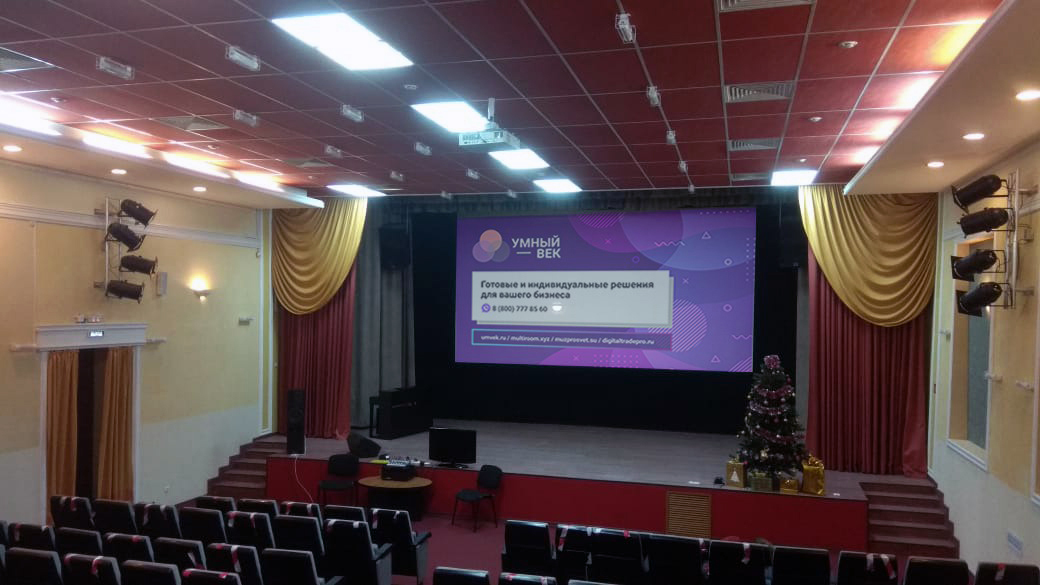
Auditorium projection upgrade: an image on the large stage screen
Projection upgrade: a real project by the Umvek team.

Built around your room and its use

Classrooms and training rooms

Presentations, teaching materials and videos need to be visible from the back row. We select the screen size and projector for your room, lighting and teaching content, with straightforward laptop connections and everyday controls.

Conference halls and auditoriums

We bring projection, sound, microphones and presentation controls together. We plan the projector position, screen type, cabling and controls. For remote participants, we can include video conferencing in the project.

Projection upgrades

We assess your existing projector, screen, mount and connections, then select replacements or additions while retaining usable equipment. Equipment models and room photos are enough to start the conversation.

Two examples from our team's work

Auditorium projection upgrade

We installed and commissioned a NEC P605UL laser projector. The photo at the top of this page shows the system in use in the auditorium.

View the upgrade project
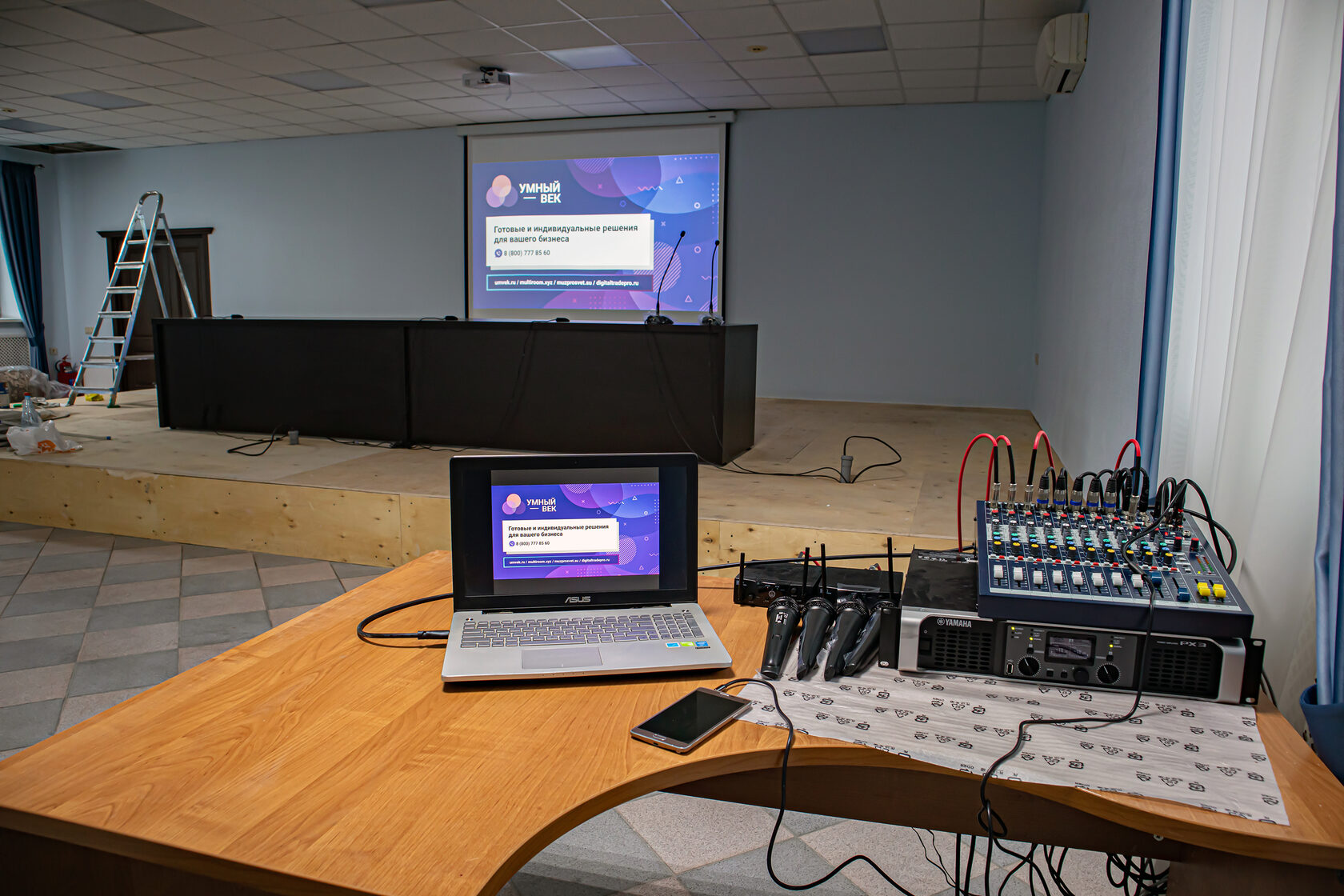
Commissioning a projector, motorised screen and sound system from a laptop in an auditorium
Commissioning the projection and sound system.

Projector, screen and sound in one system

We supplied, installed and commissioned the equipment: an Optoma X308STe projector, a Lumien 280×280 cm motorised screen, a microphone and a sound system with Yamaha equipment.

The photo shows laptop projection testing and sound system setup.

View the installation project

What we select alongside the projector

Image size
Room dimensions, the distance to the back row and your content: video, text, spreadsheets or drawings. These determine the screen and image requirements.
Lighting and screen
We assess daylight, room lighting and the scope for dimming. We select a fixed or motorised screen to suit its location and how the room is used.
Throw distance and mounting
We check the projector-to-screen distance, mounting height and fixing points, then select the optics, equipment positions and cable routes.
Connections and controls
Laptops, desktop computers, video conferencing and other sources. We plan connectors, image switching and sound so your team can start the system with ease.

Get an equipment proposal and installation quote

Your proposal will cover

  • Projector, screen, mounts and the connections you need.
  • Image sources, controls and sound for your requirements.
  • Supply, installation, setup and testing of everyday use scenarios.
  • Agreed replacements and equipment to retain when upgrading.

Cost depends on image size, lighting, mounting positions, cable routes and the system configuration. We will match the solution to your requirements and target budget.

Tell us about your room

Share your city, the room's purpose, seating capacity and what you want to display. If you already have equipment, include the models. You can send plans and photos after the first contact.